
Set Up Google APIs for Photo Supreme
Troubleshooting
Are you getting an error in the GEO Panel in Photo Supreme stating that “Something went wrong”?
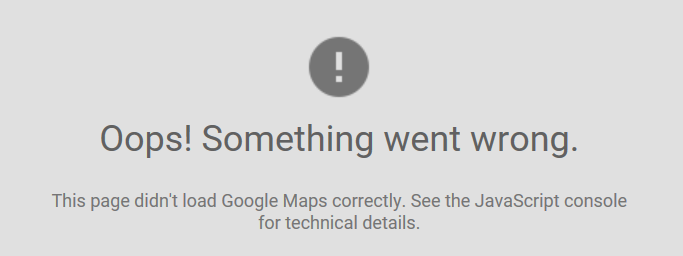
Then try the following:
1. Reinstall Photo Supreme. On Windows, also try installing as an administrator: right-click the installation file and select “Run as administrator.”
2. Check your Google API key restrictions and make sure that they are still valid. For instance, you may have set an IP address restriction while using a different IP address.