
User Management in Photo Supreme Server
User Management
Photo Supreme allows multiple users to access the system, with each user assigned a specific role. There are three main user roles:
Administrator
The Administrator role is intended for users who manage the database and application. Responsibilities include installing updates, creating, updating, or deleting user accounts, assigning roles, performing backups, and restoring data. Administrators have full access to all Photo Supreme features.
Catalog Manager
Catalog Managers are responsible for managing the content within the catalog. They can perform all content-related tasks in the application but do not have access to system maintenance functions such as installing updates, managing user accounts, or running backups and restores.
Catalog Browser
Catalog Browsers have read-only access to the catalog content created by Catalog Managers. They can view all data but are not allowed to make any modifications.
To access the User Management feature, go to Tools -> User Management from the application’s top-left Hamburger menu. This option is only available to users logged in as Photo Supreme Administrator.
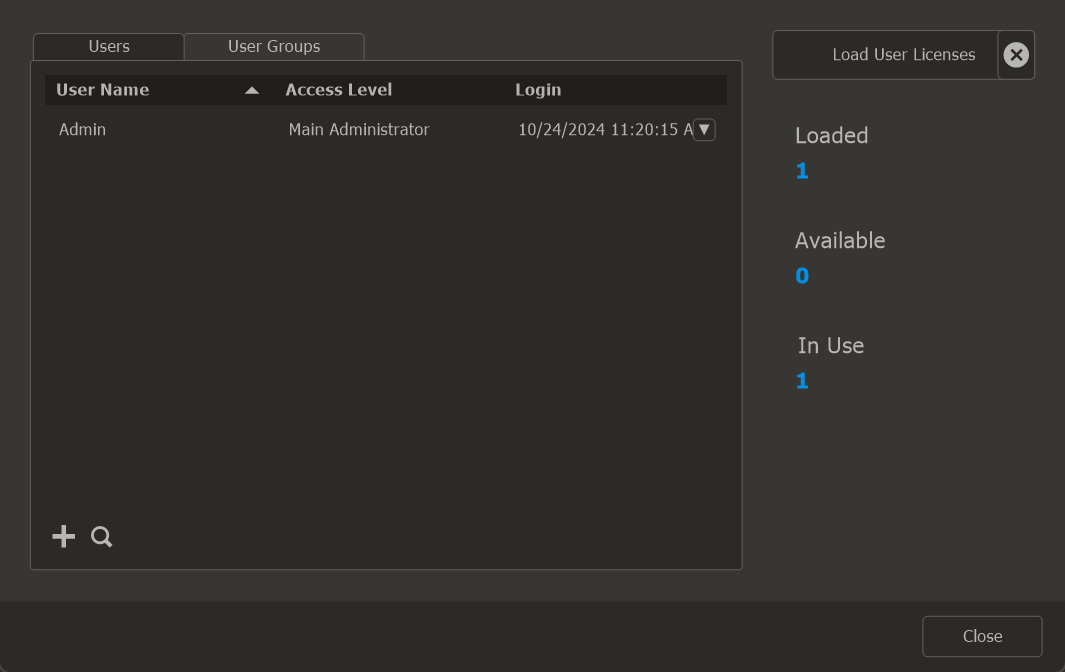
When you log in for the first time as the main administrator, you will use the default password: master2004. It is strongly advised to change this password to something more secure and private. To do this, click on the user’s drop-down icon and select “Reset Password” from the context menu.
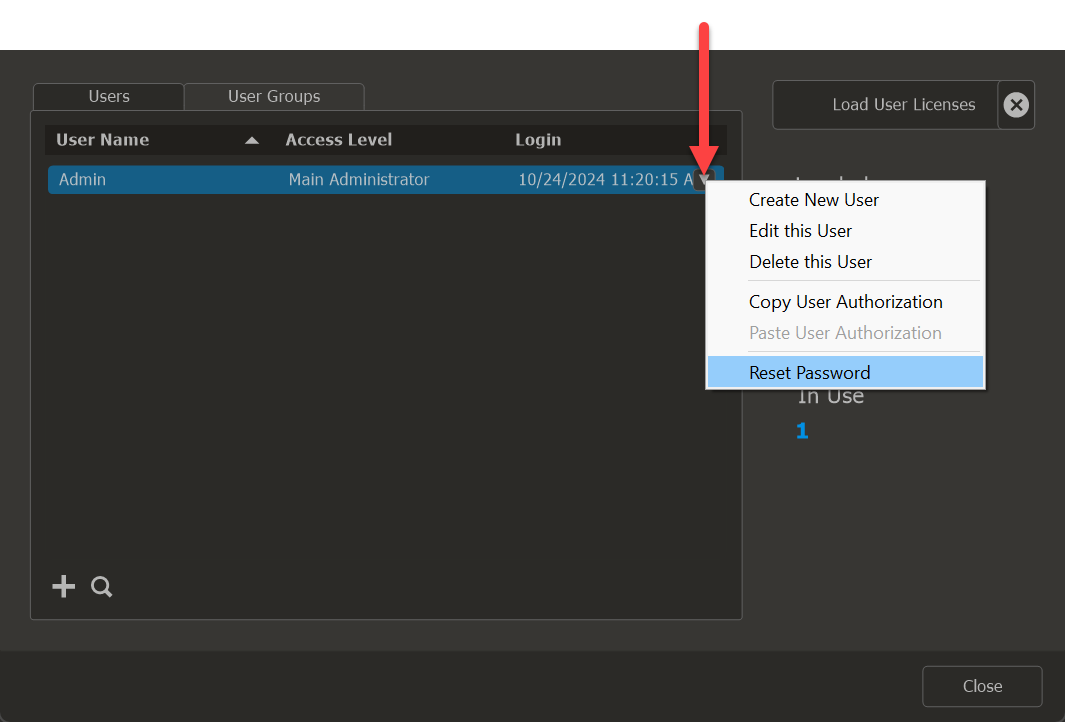
Input your new password, confirm it by entering it again, and then click OK to save the new password.