
Maintaining Photo Supreme
Compacting the Catalog
For each Catalog, Photo Supreme maintains two separate databases: the Catalog database and the Thumbnail database. The Catalog database contains references to all images along with their associated data, while the Thumbnail database stores all the thumbnails and previews of the images listed in the Catalog database. Typically, the Thumbnail database occupies significantly more disk space than the Catalog database and requires more time to compact.
Compacting the Catalog involves repacking the database to use the least amount of disk space possible. This process also rebuilds all database indexes and clears out any unused space left behind after data deletions.
Photo Supreme monitors changes in both databases and will prompt you when it's time to compact either the Catalog or the Thumbnail database. With regular usage, manual compaction is usually unnecessary.
However, if you prefer to manually compact the database, you can do so by selecting the option from the Hamburger menu under the Catalog section.
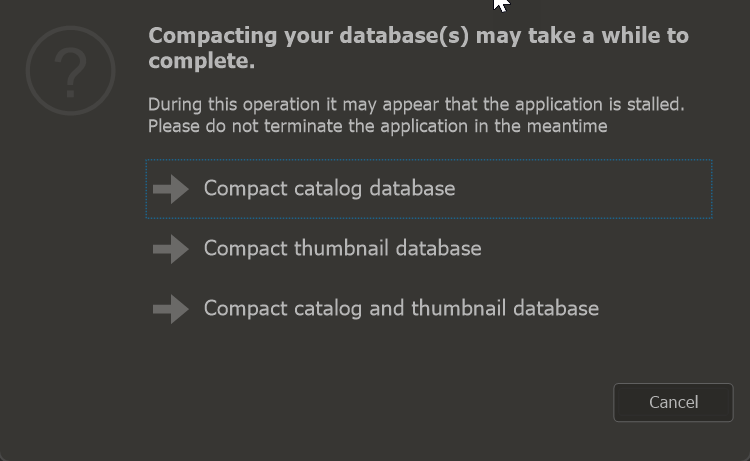
Compacting the databases requires some time to finish. It’s crucial never to terminate the application process while the compacting operation is ongoing. If the application seems to be stalled, first check the CPU usage for Photo Supreme. If there’s active CPU usage, it means the compacting process is still underway. Forcefully closing the application during this process could lead to permanent corruption of your database.